
"Our products are used from the bottom of the ocean, to the depths
of space, and from the factory floor, to your hip pocket"
- Ken Whitaker, Datalight
"Datalight's family of Reliance fail safe file systems have
delivered proven reliability in hundreds of millions of devices."
- Kerri McConnell, Datalight
"The design goals and implementation of Reliance Edge
means it is no ordinary file system. Reliance Edge will
be a valuable resource for our users, so we are happy to
accept it as an official FreeRTOS+ component."
- Richard Barry, Amazon Web Services Inc.
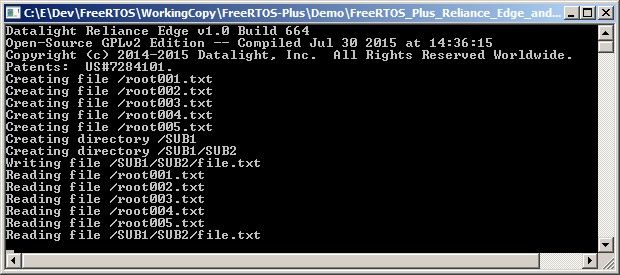
The FreeRTOS Windows port provides a convenient and non embedded target specific evaluation platform. It allows FreeRTOS, and some FreeRTOS+ components, to be executed on a standard Windows computer, using feature rich and free development tools. However, unlike when FreeRTOS is executed on real embedded hardware, the Windows port does not exhibit true real time behaviour.
On this page:
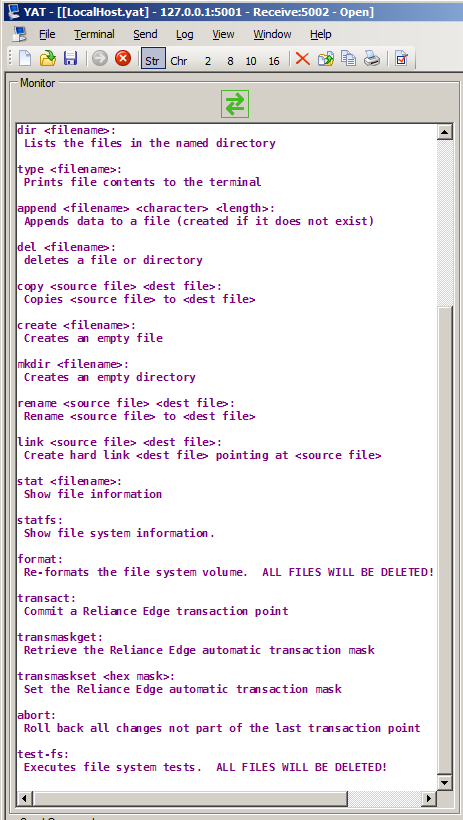
| Command and parameters | Description |
| dir <filename> | Lists the files in the named directory |
| type <filename> | Prints file contents to the terminal |
|
append <filename> |
Appends data to a file (creating the file if it does not exist) |
| del <filename> | Deletes a file or directory |
| copy <source file> <dest file> | Copies <source file> to <dest file> |
| create <filename> | Creates an empty file |
| mkdir <filename> | Creates an empty directory |
| rename <source file> <dest file> | Rename <source file> to <dest file> |
| link <source file> <dest file> | Create hard link <dest file> pointing at <source file> |
| stat <filename> | Show file information |
| statfs | Show file system information |
| format | Re-formats the file system volume. ALL FILES WILL BE DELETED! |
| transact | Commits a Reliance Edge transaction point |
| transmaskget | Retrieves the Reliance Edge automatic transaction mask |
| transmaskset <hex mask> | Sets the Reliance Edge automatic transaction mask |
| abort | Rolls back all changes not part of the last transaction point |
| test-fs | Executes file system tests. ALL FILES WILL BE DELETED! |
The same host computer is used to build the application, debug the application, and (because the FreeRTOS Win32 port is used) run the application. There are no special debugging instructions.
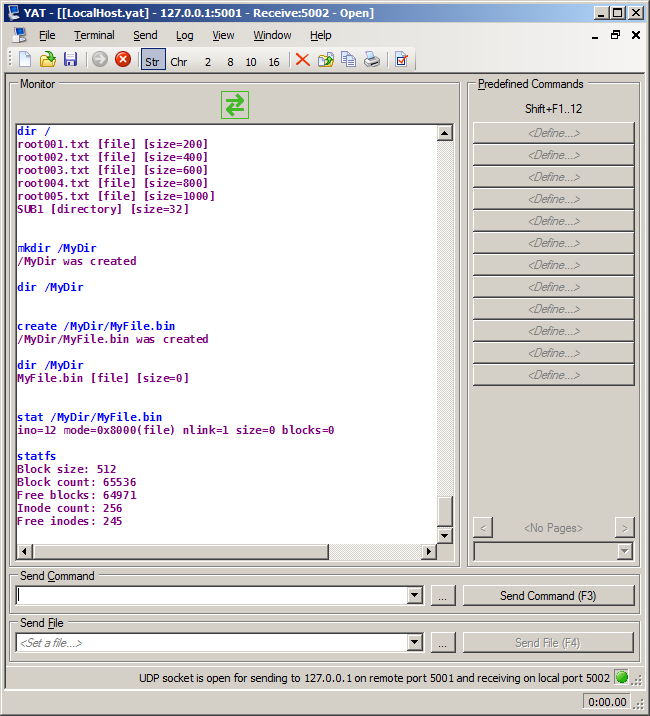
Free dumb terminal programs that are suitable for connecting to the command line interface using UDP include YAT and Hercules.
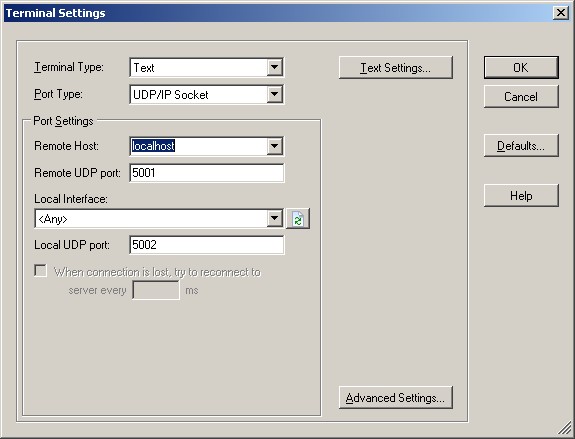
The standard localhost IP address (127.0.0.1) can be used because both the (simulated) demo application and the UDP terminal execute on the same computer. FreeRTOS+CLI listens for characters arriving on UDP port 5001 and sends its output to UDP port 5002. The required terminal configuration is shown below.