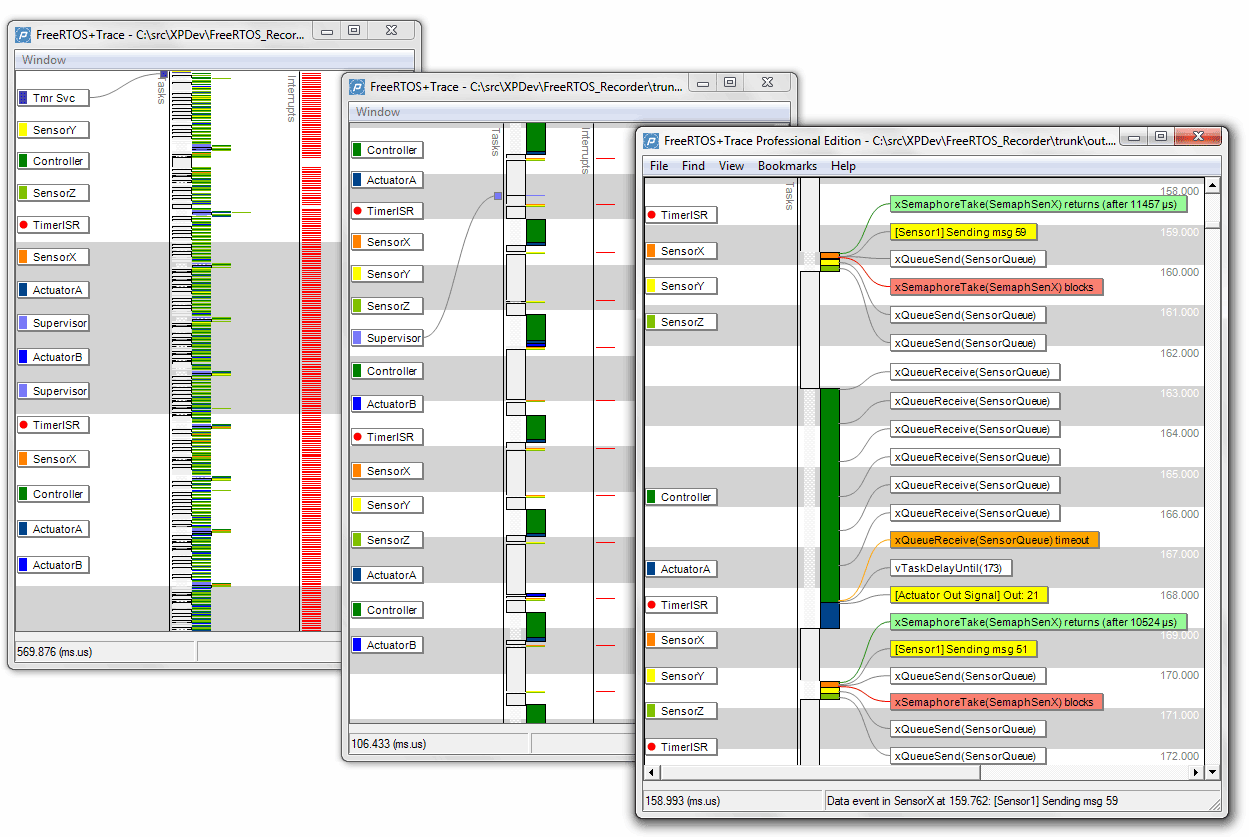
The FreeRTOS+Trace trace view with different levels of zoom. Click to enlarge.
Zooming is smooth, which makes it easier to follow. When zooming out, the unique visualisation method used in FreeRTOS+Trace turns the detailed trace view into an overview. You can select an interval for zooming in by simply dragging the mouse over the trace view display. This selection can also be used to measure the time between different points of interest.
The screen shot also shows the tool panel being hidden in order to maximise the trace display area.